GPS Pilot View
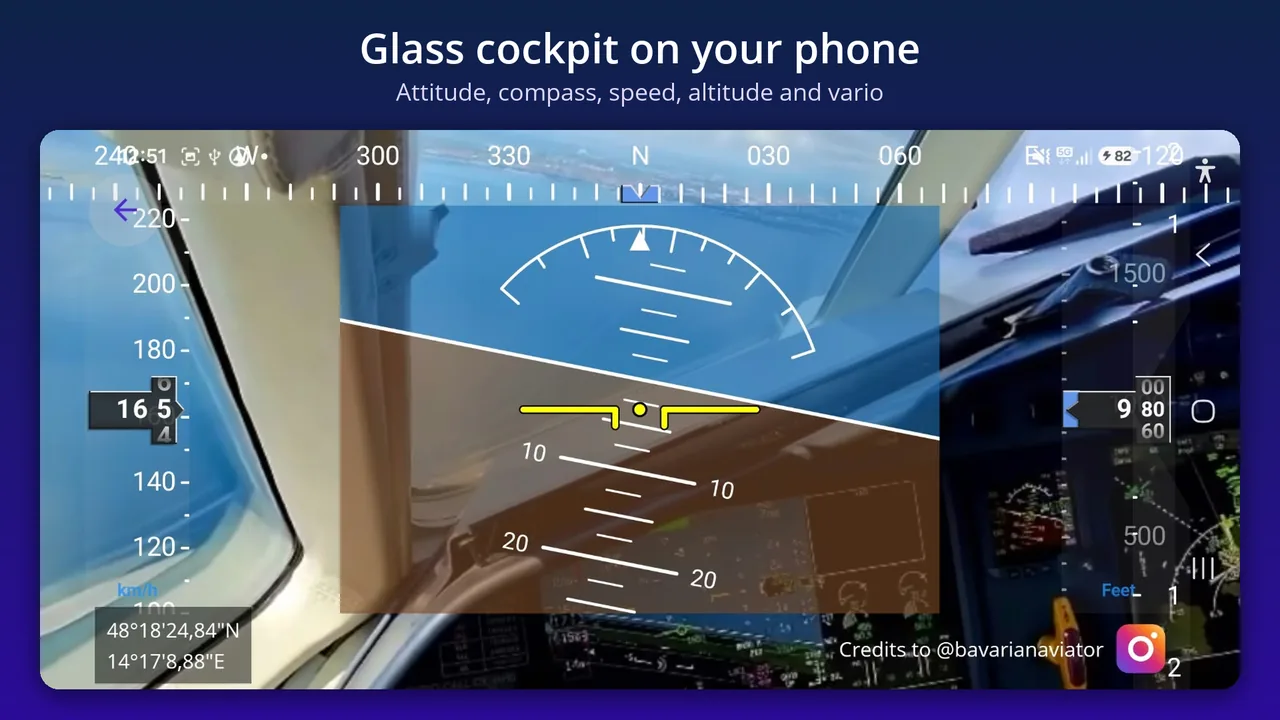
Your glass cockpit on your phone
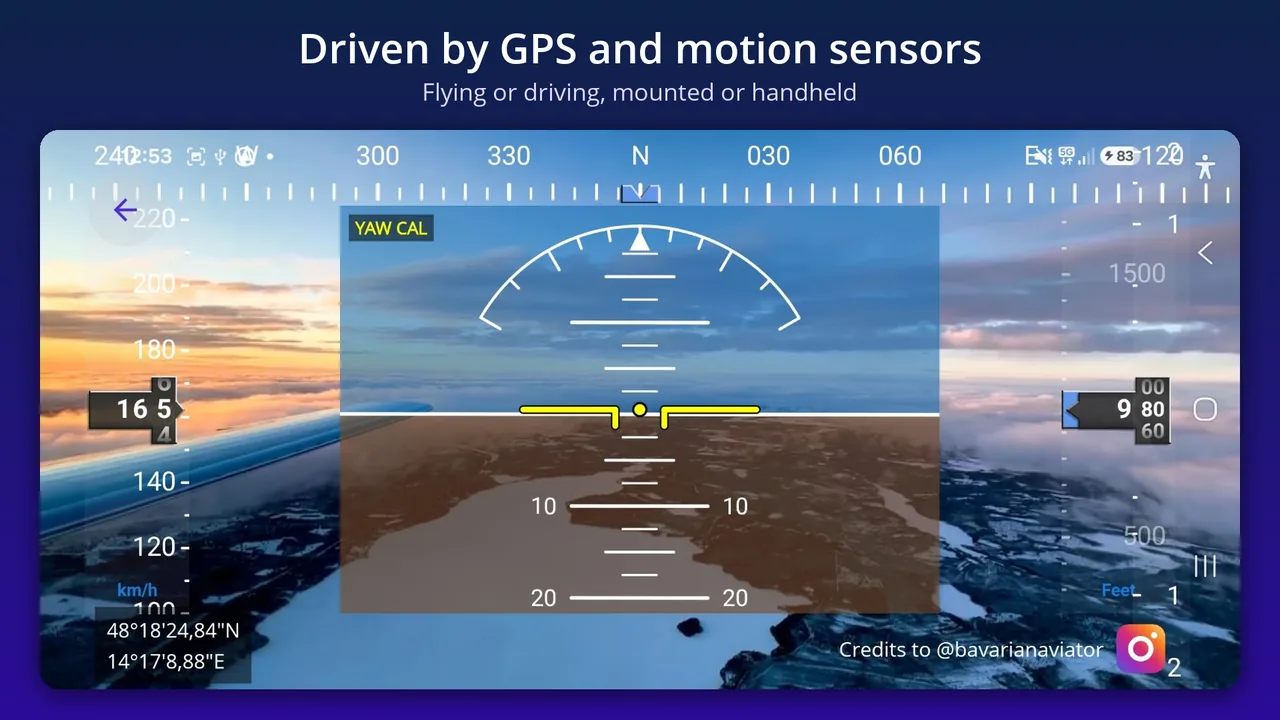
Attitude indicator, compass, airspeed and altimeter tapes and a variometer, driven by GPS and your phone's motion sensors. Record every flight or drive and replay it on the map.
 Coming soon – awaiting Google Play approval

 Cockpit photos: credits to @bavarianaviator
Everything a pilot needs
For aviation enthusiasts, drivers, glider and ultralight pilots, and anyone who wants to see how their journey really went.
Six instruments
- Attitude indicator: bank and pitch
- Compass: heading and GPS track
- Airspeed: m/s, km/h, ft/s, kts (nm/h)
- Altimeter: ft, nm, m, km
- Variometer: climb and sink rate in ft/min
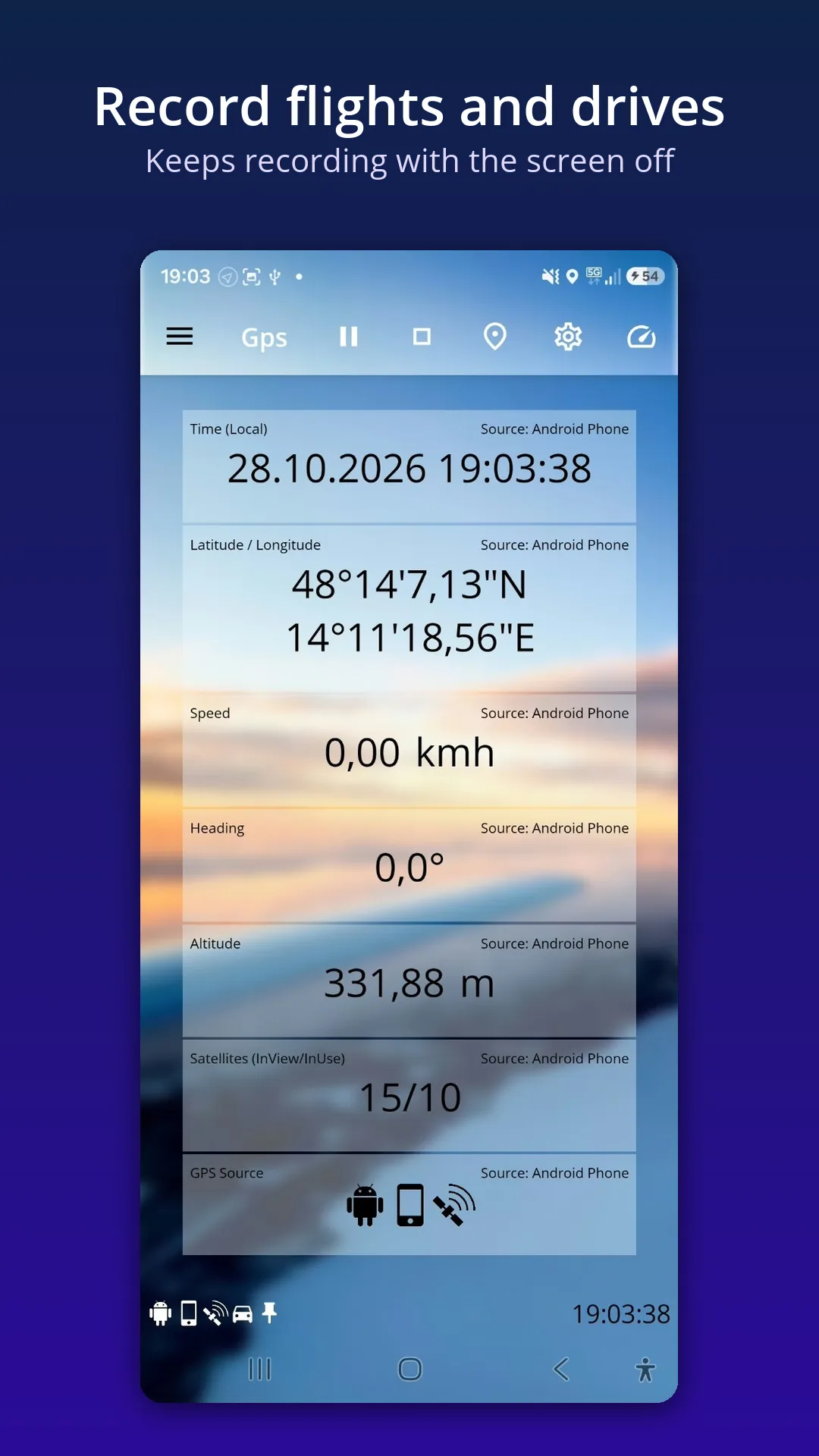
- Position readout
Flying or driving
In the air, bank and pitch follow the phone like a real attitude indicator. On the road, the app shows the bank an aircraft would fly through the same turn. Mounted or handheld, with automatic calibration.
Record and replay
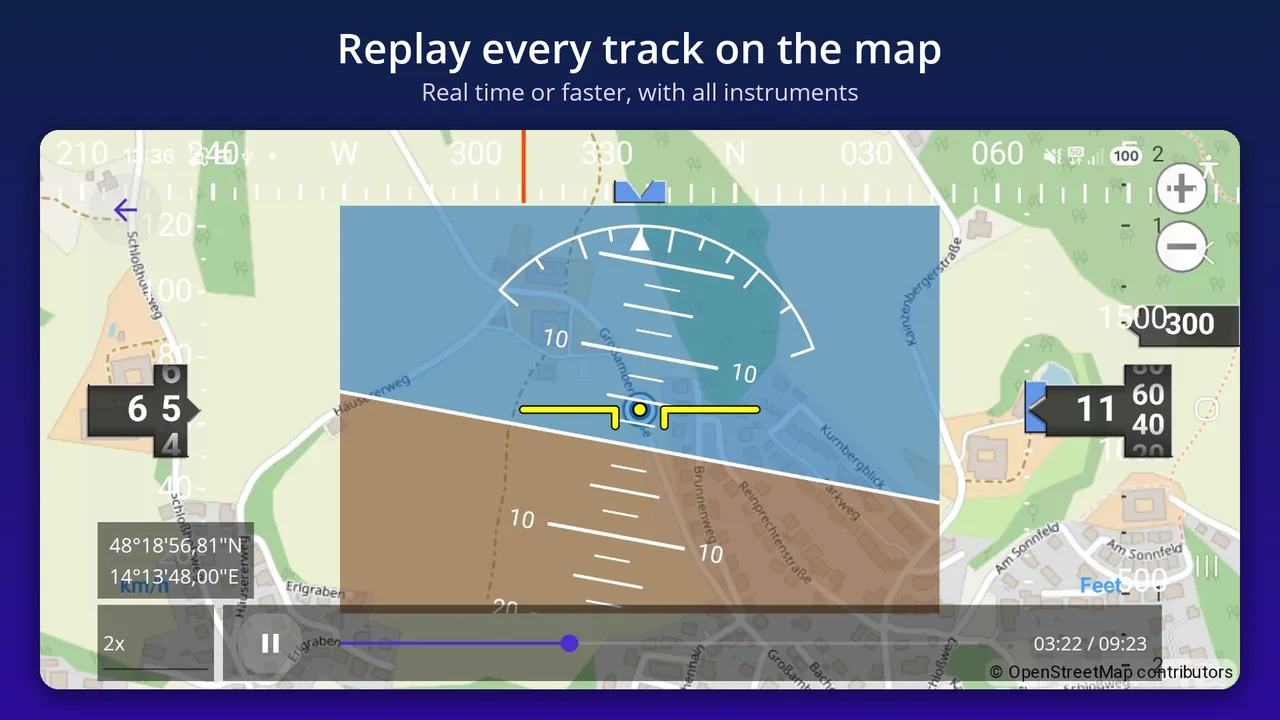
Record flights and drives, including sensor data. Recording continues with the screen off. Replay every track on an OpenStreetMap map, in real time or faster, with all instruments.
Make it yours
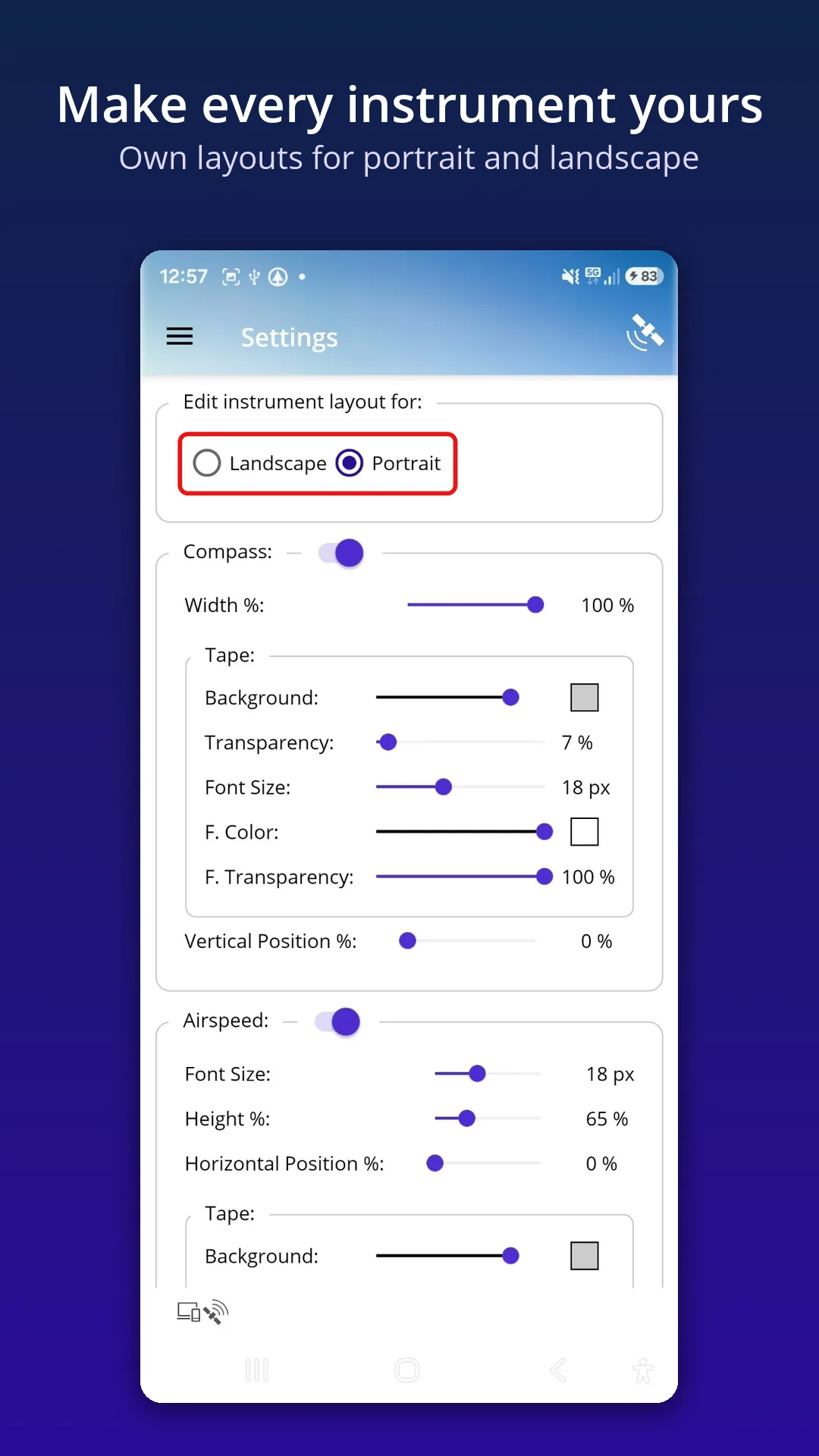
Knots, km/h, m/s or ft/s; feet, metres, km or nautical miles; UTC or local time. Separate layouts for portrait and landscape, with colour, transparency, size and position for every instrument.
External Bluetooth GPS
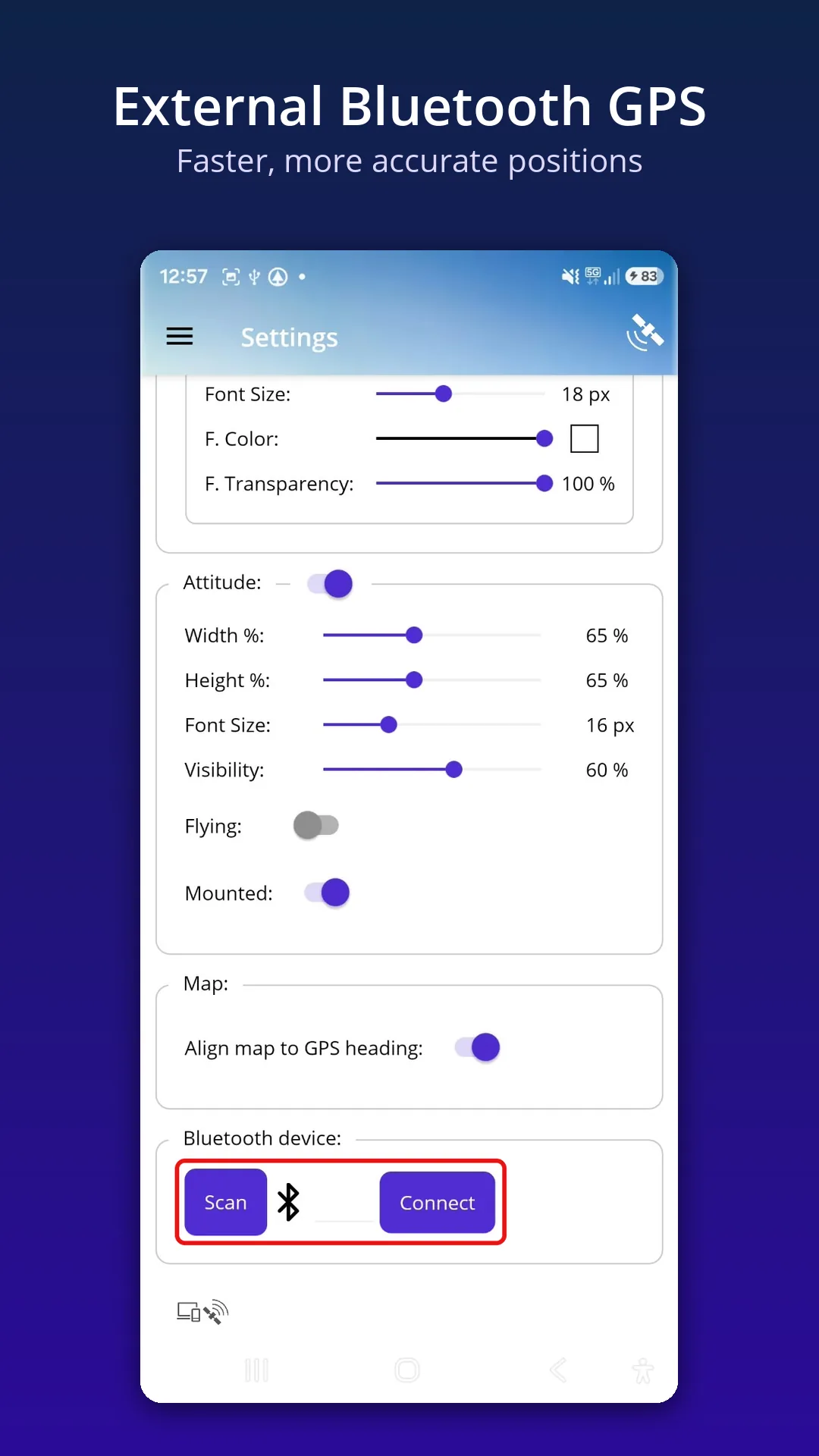
Connect a Bluetooth GPS receiver such as the Garmin GLO 2 for faster, more accurate positions. Live satellite counts show the quality of your fix.
Private by design
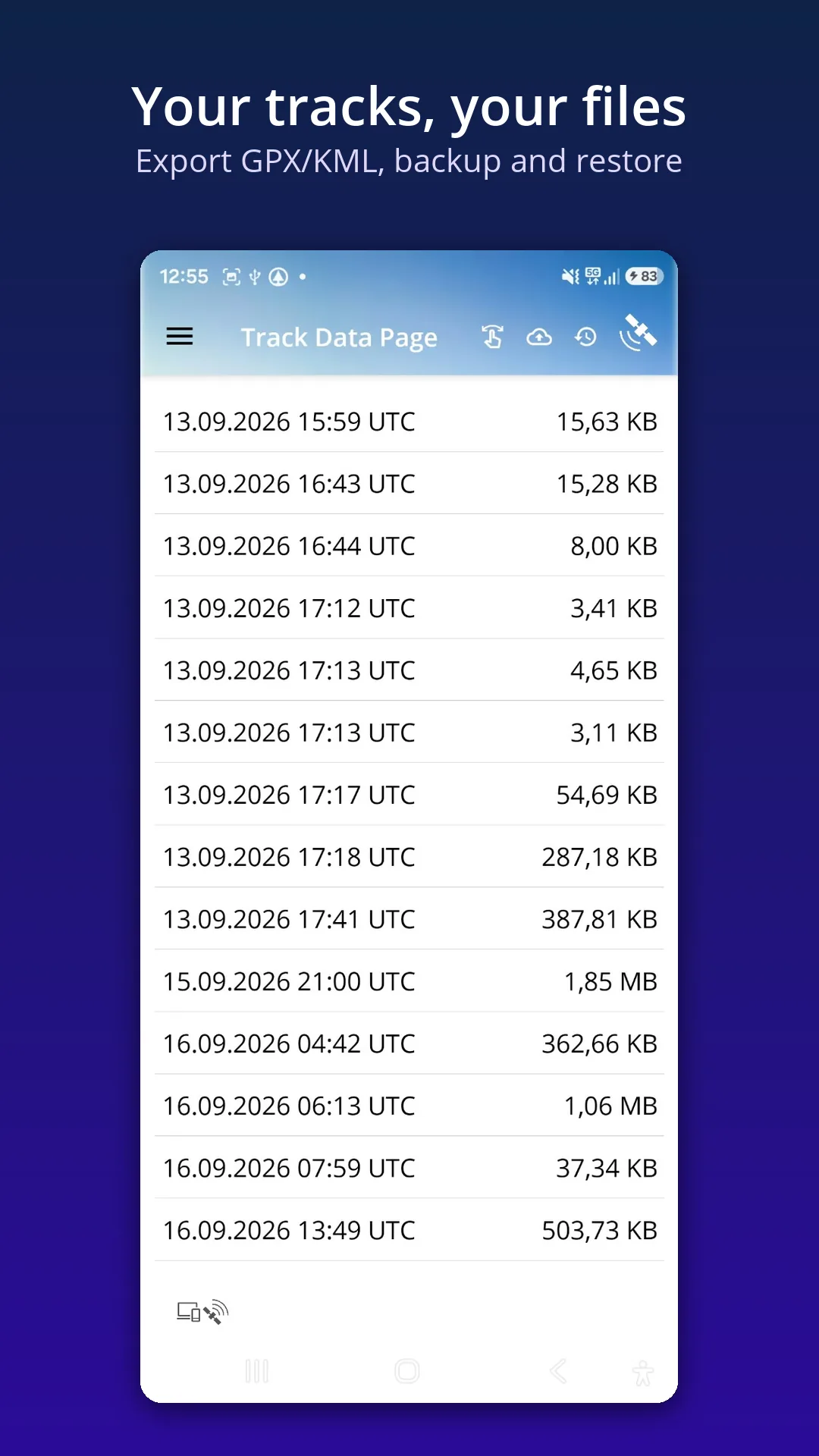
No account, no ads, no tracking. Your location and tracks stay on your phone. Export GPX/KML or back up your tracks whenever you want.
See it in action
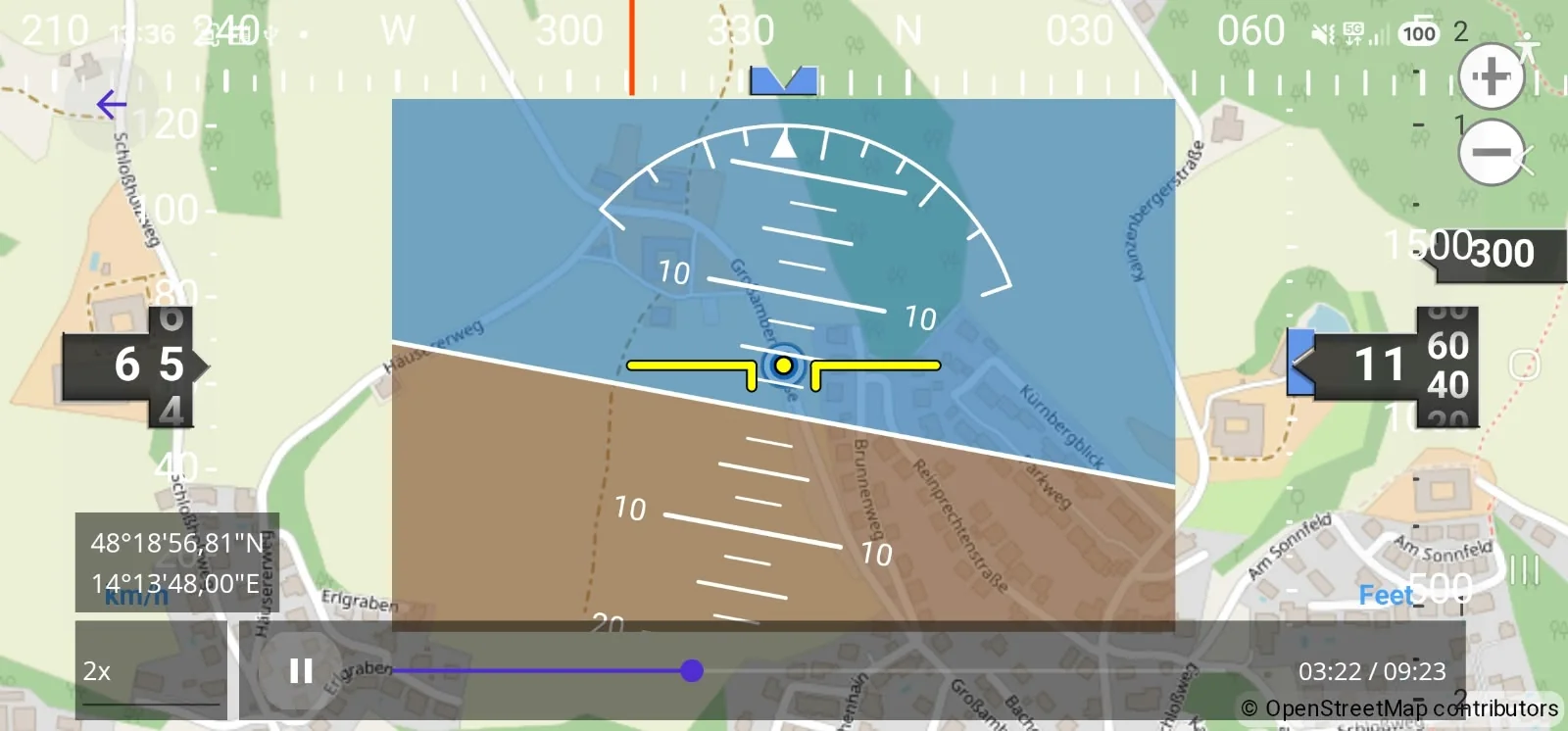
Relive every flight or drive
Every recording keeps GPS and sensor data on the same clock. Replay shows exactly what the instruments showed, with a scrub bar and playback at 1×, 2×, 5× or 10× speed. Map data © OpenStreetMap contributors.
Try it right after installing: in try-out mode the cockpit already moves with your phone. Double-tap the centre of the attitude indicator to align it with your phone's neutral orientation, then wait about 2 seconds while pitch is calibrated. To readjust bank, simply double-tap again.
A built-in How-To page explains every feature.
Important: GPS Pilot View is a visual aid only. It is not certified for navigation. Always fly with approved instruments.